Linux practice lab: prepare for a home server
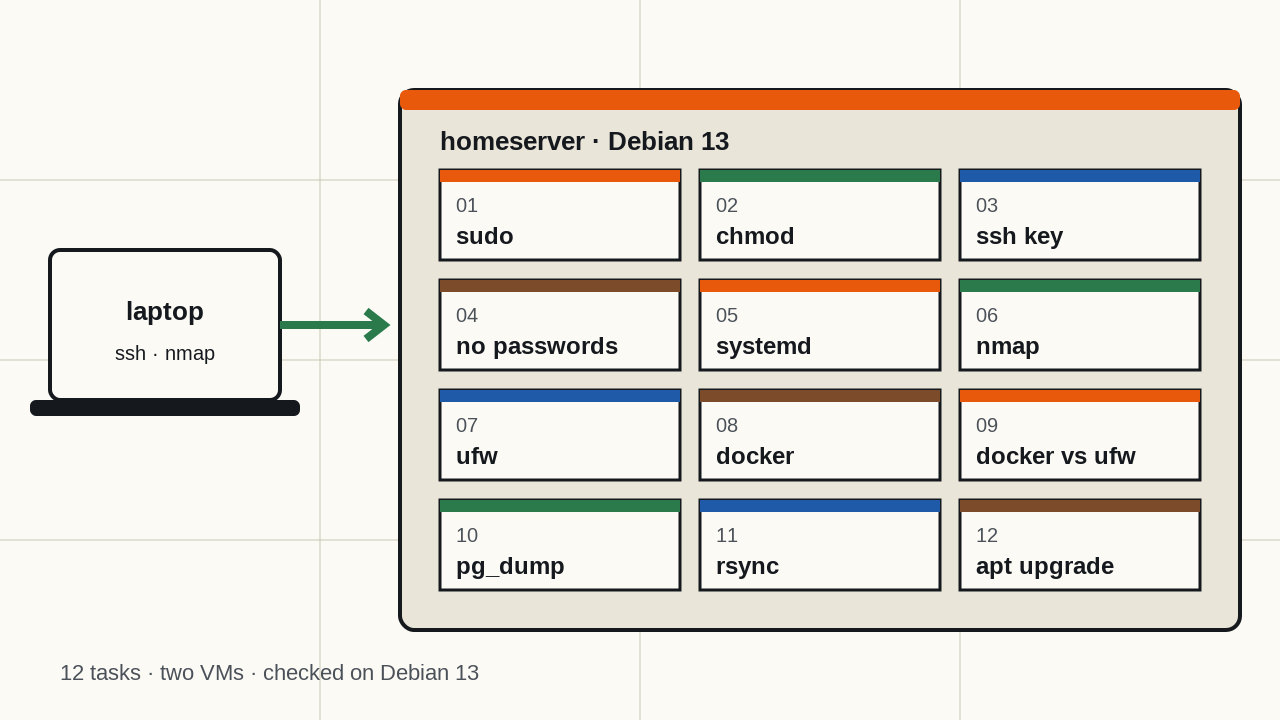
12 short tasks on two virtual machines, checked on Debian 13: users and sudo, permissions, SSH keys, services and logs, port scans, ufw, Docker, a database dump and restore, rsync backups and updates.
- Format
- PDF EN + RU, 51 pages
- Tasks
- 12, in order
- Files
- Configs, unit files, commands
- Lab
- Debian 13, two VMs under qemu/KVM
A practice lab for those who want to repeat two Net Admin Pro case studies on their own server and understand every command they type: A Debian server at home: what is closed, what is open and n8n with PostgreSQL in Docker Compose. The lab has 12 short tasks. Each task covers one skill that the cases rely on, and the tasks build on each other.
What’s inside
Each task has the same parts: the goal, why it matters for the cases, the steps with every command and its output, how to check, and what can go wrong. The output is real: I ran every task on two Debian 13 virtual machines, a server and a laptop. The text marks what was checked, what was not verified, and what is taken from the documentation. Tasks that change the SSH settings or the firewall, open a port or erase a disk have a warning before them.
What’s in the archive
- PDF in English and Russian;
10-hardening.conf– sshd settings from task 4;lab-hello.sh,lab-hello.service,lab-hello.timer– the script, service and timer from task 5;docker-compose.yml– the PostgreSQL stack from task 10;backup-commands.sh– the backup commands from task 11;commands.txt– all commands from the text, by section.
Who it is for
- Those who want to repeat the home server case or the n8n case and understand each step.
- You need in advance: two devices on the same local network or two virtual machines, Debian 13 on the server, and ssh, nmap and wget on the second device.
- Tested on Debian 13. Not tested on Ubuntu or other systems.
Not included
- Installing Debian on a real computer from a USB stick.
- Cloudflare Tunnel: it is part of the home server case.
- n8n itself: it is part of the n8n case.
- A real USB drive: in task 11 the backup disk is a VM disk connected as a USB device.
- A home router and Wi-Fi.
- IPv6 from outside.
- An update that brings a new kernel.
- An SSH key with a passphrase.
What the manual covers
1. Users, groups and sudo
id, sudo -l, a second user without sudo, and why a new group works only after a new login.
2. File permissions and owners
umask, chmod and chown, a secret file with mode 600, and finding files that their group can change.
3. An SSH key
ssh-keygen on the laptop, ssh-copy-id, the server fingerprint, and how strict SSH is about the key file permissions.
4. Turn off password login
A file in sshd_config.d, sshd -t, reload, and a login attempt from the laptop as the proof.
5. Services and logs
systemctl and journalctl, reload and restart, your own service and timer, and a failed run.
6. Port scan from another device
ss -tlnp on the server and nmap from the laptop: a program on all addresses and one on 127.0.0.1.
7. A firewall: ufw
Deny incoming, SSH from the local network only, a scan before and after, and the firewall log.
8. Docker and Docker Compose
Docker from Docker's repository, the docker group, a Compose file with a volume, and what down -v deletes.
9. A Docker port that bypasses ufw
A container port open from the laptop although ufw denies it, the DNAT and FORWARD rules, and the fix on 127.0.0.1.
10. PostgreSQL: a dump and a restore check
pg_dump with set -o pipefail, and a restore into a temporary database with a table and row count.
11. A backup with rsync
A disk mounted by label, rsync --relative and --link-dest, and a restore into a temporary directory compared with diff.
12. Updates and checks after a reboot
apt upgrade by hand, checks of services, containers and ufw, a reboot, and a scan from the laptop afterwards.